


The Parallel Lines/Elements function in the Tools menu allows you to copy lines or elements in parallel. You can also use the buttons
 or
or
 in the CAD toolbar.
The following image shows a polyline whose copy is shifted outwards at a distance of 10 mm.
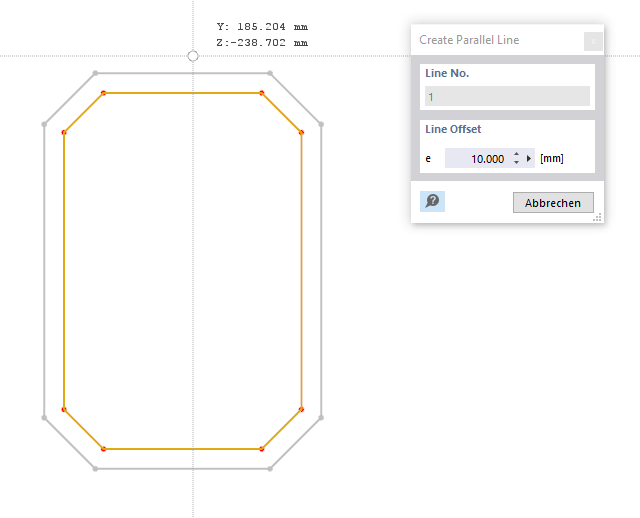
Offset Distance
Specify the distance by which you want to copy the lines or elements.
Line / Element List
In the work window, select the line / element to which you want to create a parallel.
You can then specify the offset direction with the mouse. You can check the new line / element in a preview.