


To design 2D objects, you can use both surfaces and 6/000045 surface sets. In principle, the design is performed in the same way as for member sets. However, there are no special design considerations to note.
Design of Surfaces or Surface Sets
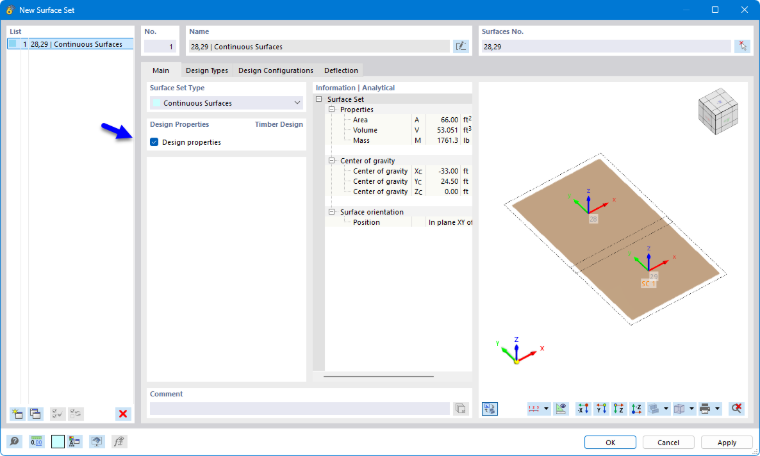
You can design surfaces that are part of a surface set either as individual surfaces or as part of the surface set. To avoid conflicting entries and results, the associated surfaces are automatically deactivated for timber design when calculating as a surface set. When you specify the surfaces for design, the parent surface set is deactivated accordingly. You can check this rule in the Objects to Design input table by reviewing the list of objects in the “Not Valid / Deactivated” column.
After the design, a note is displayed in the Not Valid / Deactivated result table (see the chapter Overview) for all surfaces that were designed via a surface set and are therefore deactivated. Similarly, surface sets are marked there with a note if they were not designed.
Setting Smoothing
In the design of surface sets, the [ [000472#smoothing smoothing settings]] that you defined in the global settings for surface results are used. With the default setting Continuous Within Surface Sets, Otherwise Within Surfaces, smoothing is performed across common surface boundaries once a surface set is provided.