Answer:
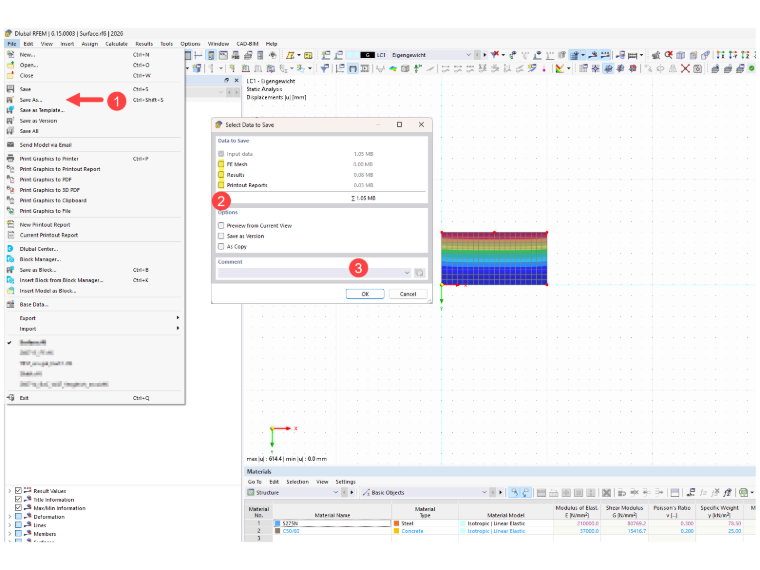
The easiest way to do this is to select the “Save As” option from the “File” drop-down menu. In the dialog box that appears, clear all the check boxes that are unnecessary.
Generally, we always perform a calculation on the results, so we only need the input data. If you have any questions about the printout report, please also send us the model along with the printout report.