The tendon geometry is described by lines.
Defining Lines
The tendon lines can be defined freely in three-dimensional space. However, the following conditions apply:
Suitable line types for tendons are, for example:
- Parabola
- Spline
- NURBS
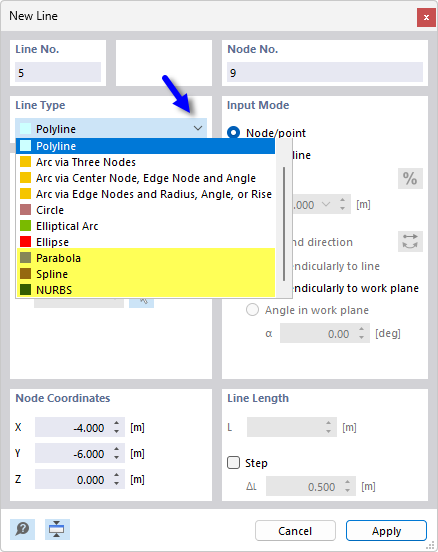
The line types are described in the chapter Lines of the RFEM manual.
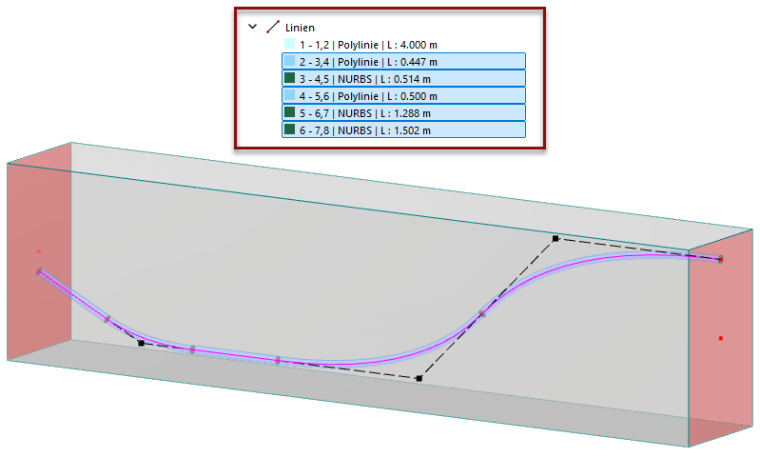
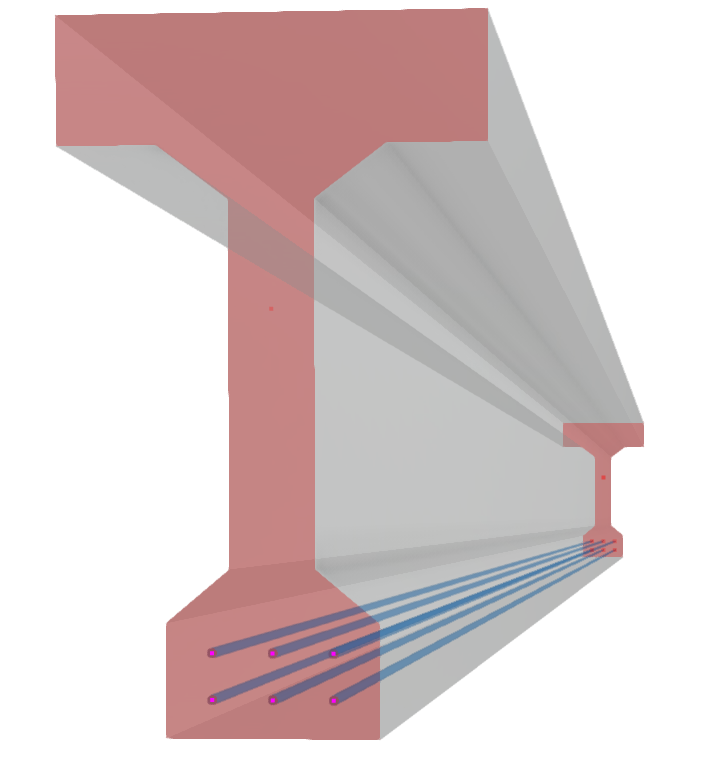
The line of a tendon does not need to be present over the entire length of the prestressed concrete cross-section. This allows for staggered arrangements of tendons.
Importing Geometry
You can also use import options and scripts to model the tendon lines.
Background Layer
Via background layers, lines can be imported into the model as a kind of "layer". They can then be used for setting lines. This option is described in the chapter Background Layers of the RFEM manual.
Excel
The course of a line can be described by nodes in an Excel file. The Excel worksheet can be imported into the 'Nodes' table. This option is described in the chapter Import or Export Excel Table of the RFEM manual.
API
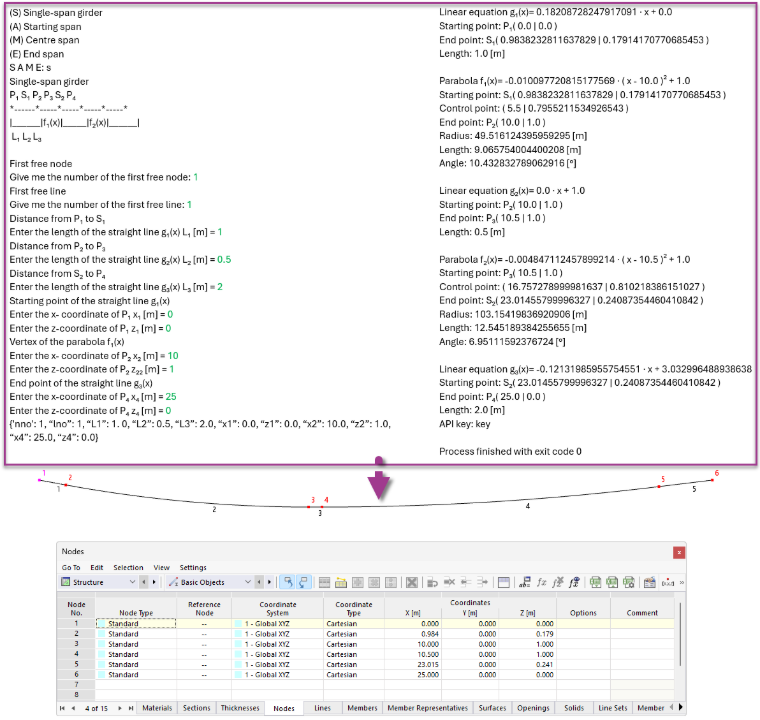
The Python-based Dlubal API service provides another option with which you can conveniently define and update the tendon geometry. In the following example, the parabolic course of a tendon is created this way.
Using Blocks
The import option for predefined blocks of tendons is in progress.