Answer:
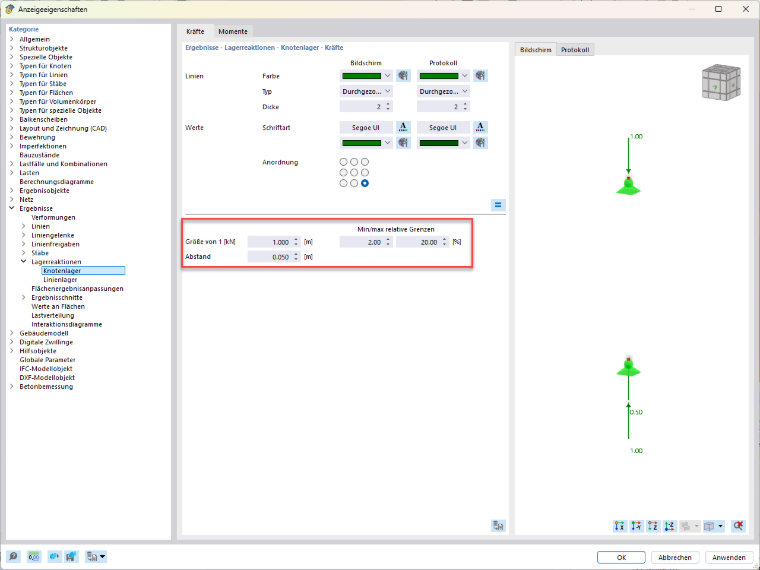
You can customize the display of nodal support forces in the display properties. Additional buttons are available for various parameters, allowing you to scale the object size to match the dimensions of the global model, for example. This makes it easier to display arrows and labels clearly.
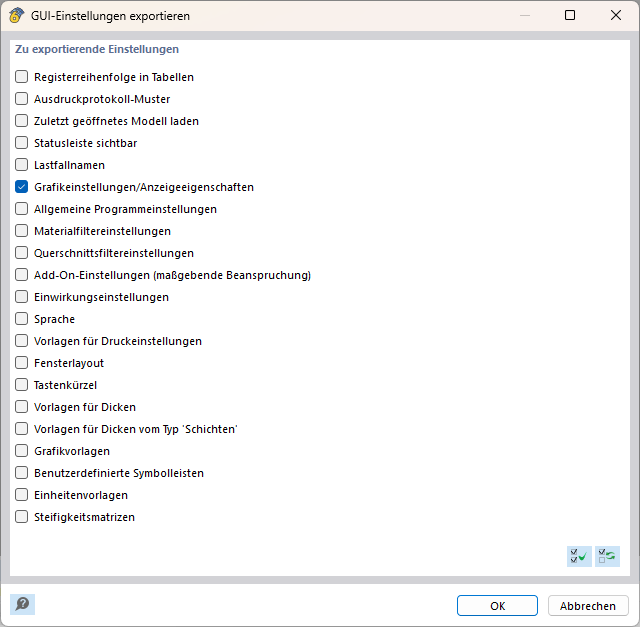
To ensure these settings can be reused even after a reinstallation or update, export the modified display properties via Options → Export GUI Settings. In the Export GUI Settings dialog box, select the Graphics Settings/Display Properties option. The saved settings can then be imported again.