2026-06-30
063442
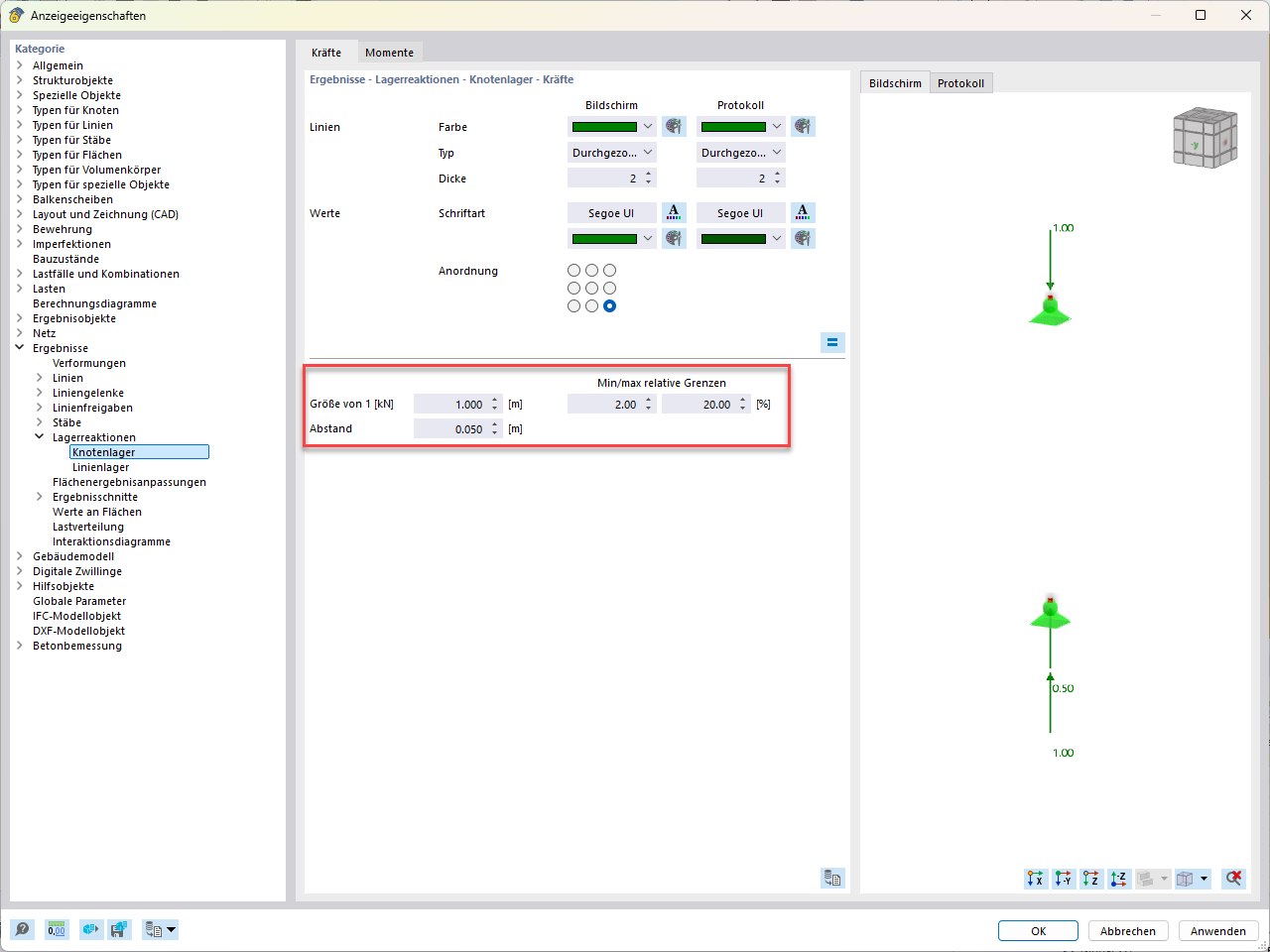
Dialog Box of Display Properties for Nodal Support
Dialog box for setting the size and spacing of nodal supports in the structural analysis software.
The Display Properties dialog box shows options for adjusting nodal supports. The specific nodal supports are selected on the left side. In the center, you can see settings for size, spacing, and relative limits. These features allow for precise adjustments to the display of nodal supports within building software. Image source not specified.