Answer:
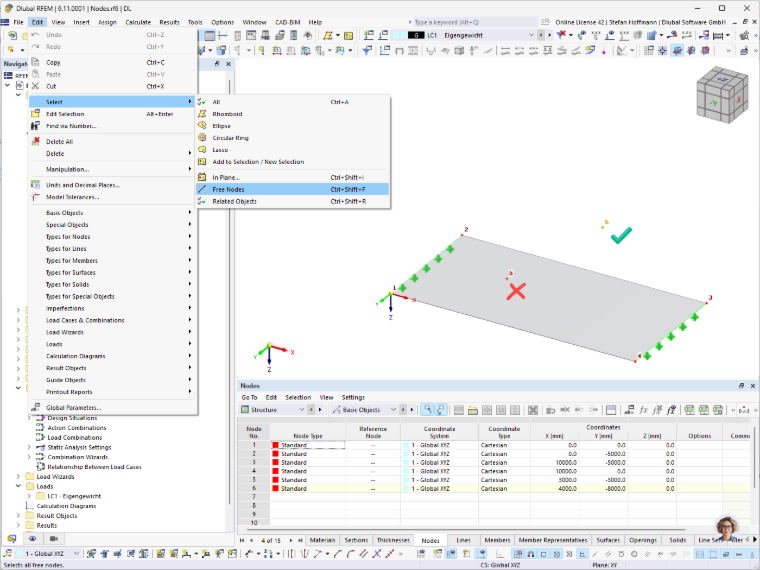
The Edit – Select – Free nodes function can be used to select nodes that do not have any reference to other objects.
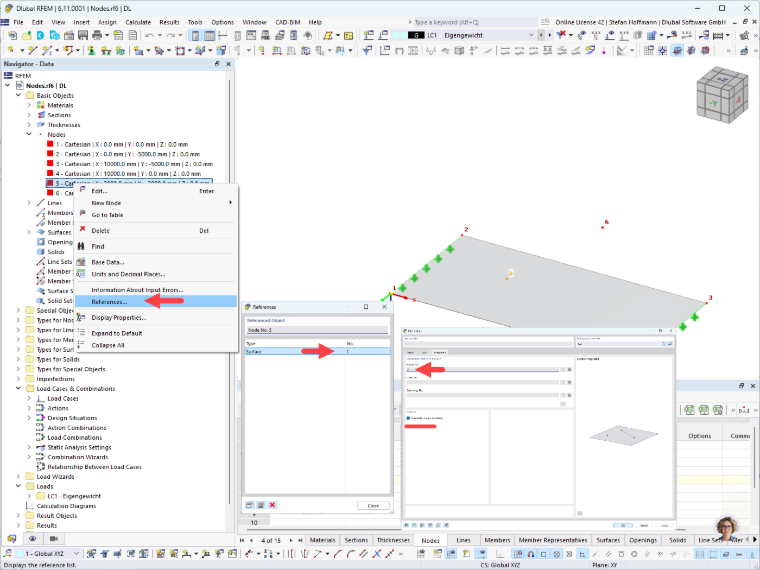
In our example, however, Node 5 is not selected, even though it does not appear to be connected to any other objects.
You can find the cause in the reference information. Node 5 is defined as an integrated node of Surface 1. If you do not integrate it automatically, the reference is removed and this node is also considered a free node.