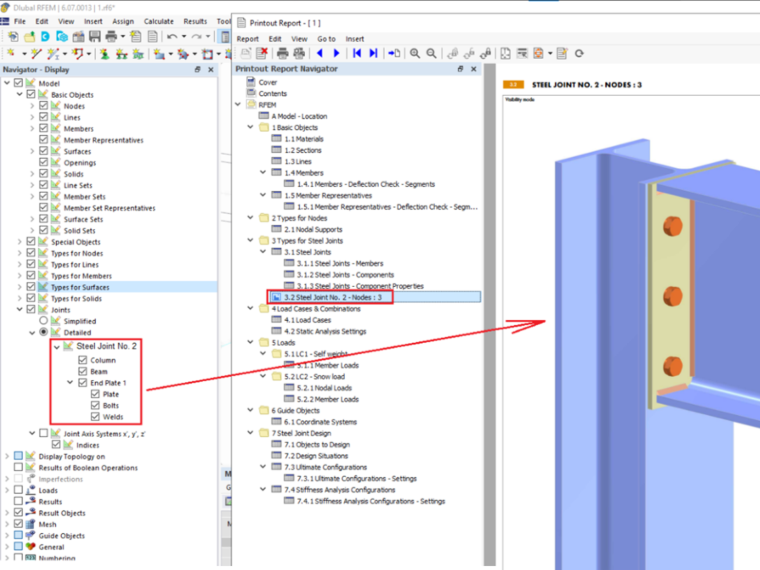
If a joint graphic with modified visibility settings has been saved in the printout report, the component visibility settings for the graphic can be edited retrospectively. The corresponding settings can then be found in the Navigator views.
This feature allows you to optimize the display of components in printout reports and adapt them to the specific requirements of the project. The changes can be easily made via the settings in the Navigator – Views, which allows for quick and flexible editing of the visibility settings. This improvement makes the handling of printout reports more efficient, as users can now change the visibility settings without much effort and without having to recreate the entire graphic.