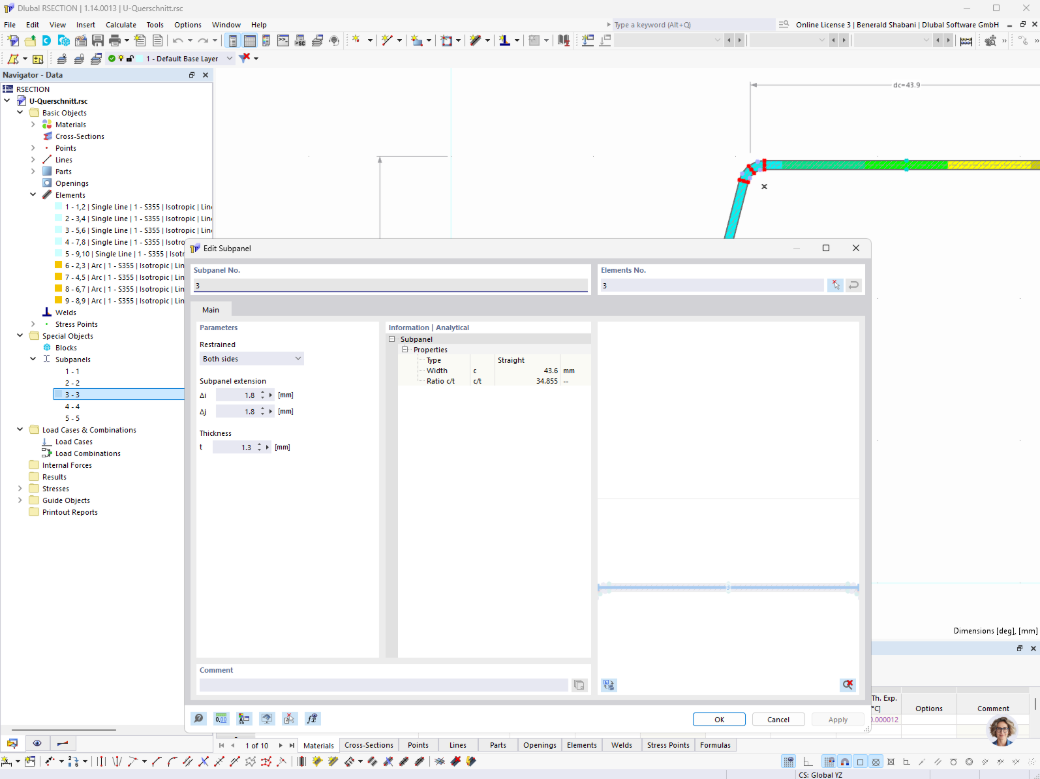
In RSECTION, you can also define subpanels manually to calculate effective cross-sections. In addition to selecting the relevant elements, you can individually specify support conditions, extensions or shortenings, and their thickness.
Manual entry is enabled via an option in the base data. Afterward, additional editing functions are available in the table, the 'Edit Subpanel' dialog box, the navigator, and the 'Insert' menu. If the subpanels are not defined manually, they continue to be generated automatically in accordance with the specifications of the applicable design standard. The user-defined subpanels are taken into account by all design add-ons in RFEM and RSTAB.