Answer:
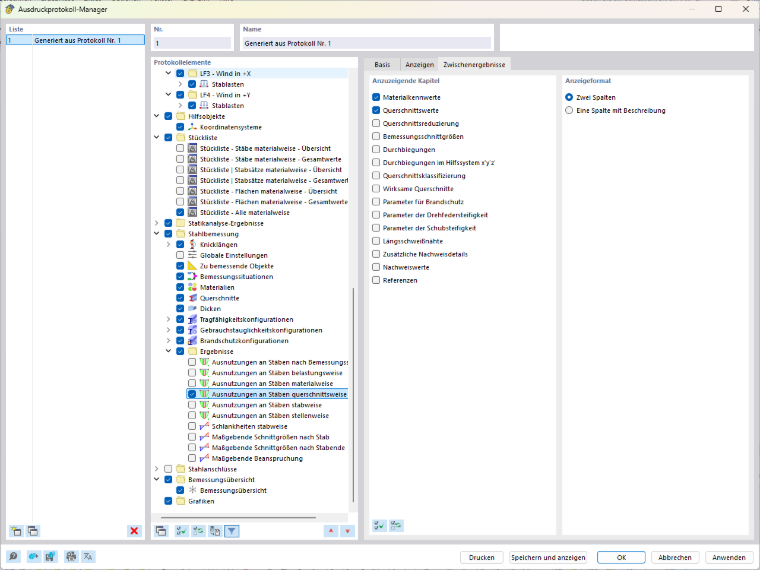
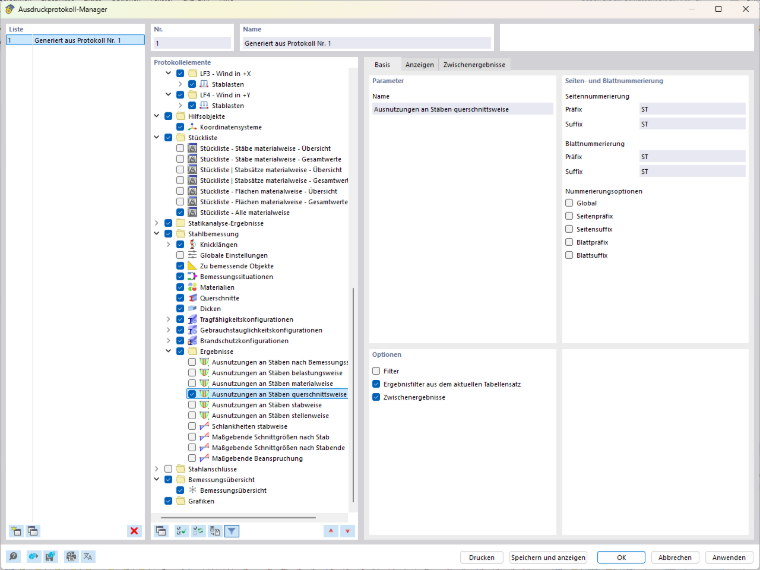
To do this, open the Printout Report Manager and navigate to the Steel Design section. In the options, select the option to output the intermediate results.
The Intermediate Results tab will then appear. There, you can specifically select the desired chapters for the printout report, such as material properties or cross-section properties.