Answer:
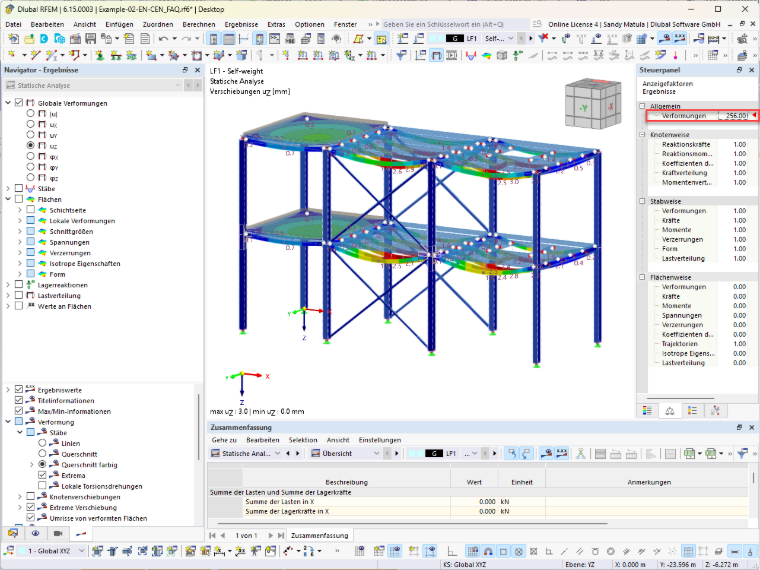
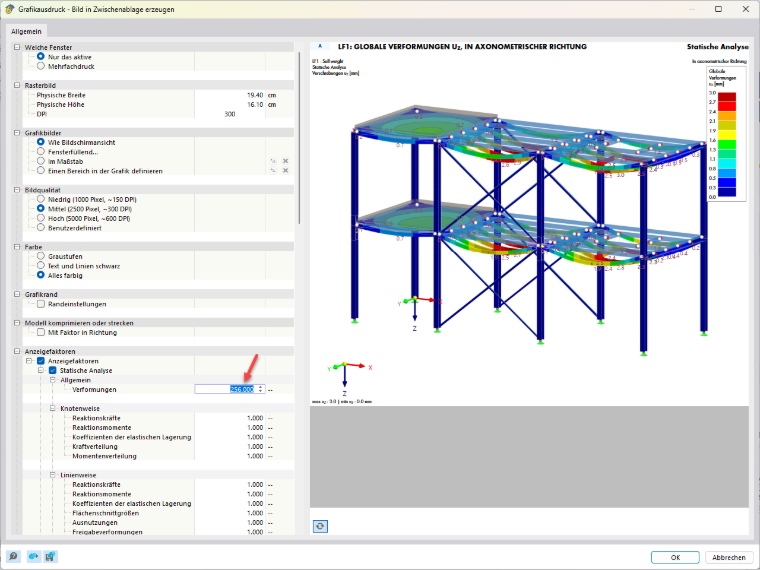
To ensure that the display factors for deformations are copied to the clipboard when printing, it is necessary to activate the corresponding option.
If this option is selected in the “Graphic Printout - Create Image on Clipboard” dialog box, the saved display factors are applied.
If, however, the “Display Factors” option is not selected, the values are not copied to the clipboard when printing. Instead, RFEM 6 automatically resets the display factors to their default values.