


Answer:
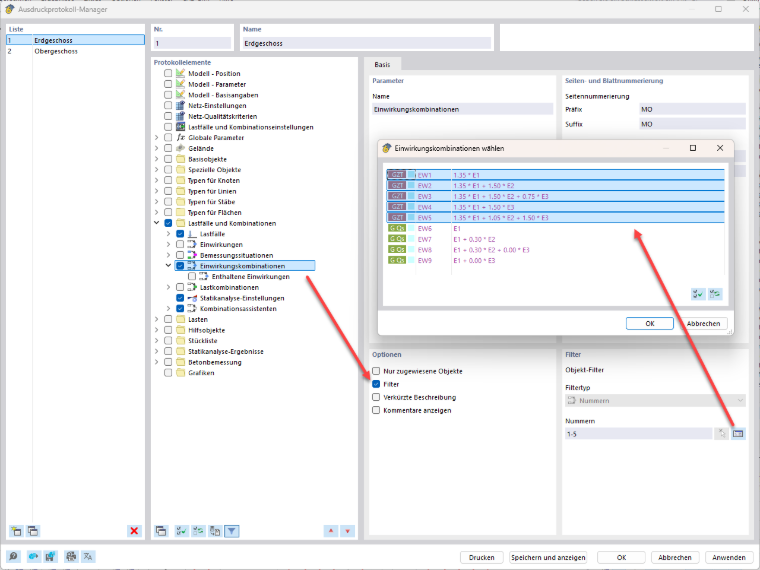
In the Printout Report Manager, you can use filters to customize the display:
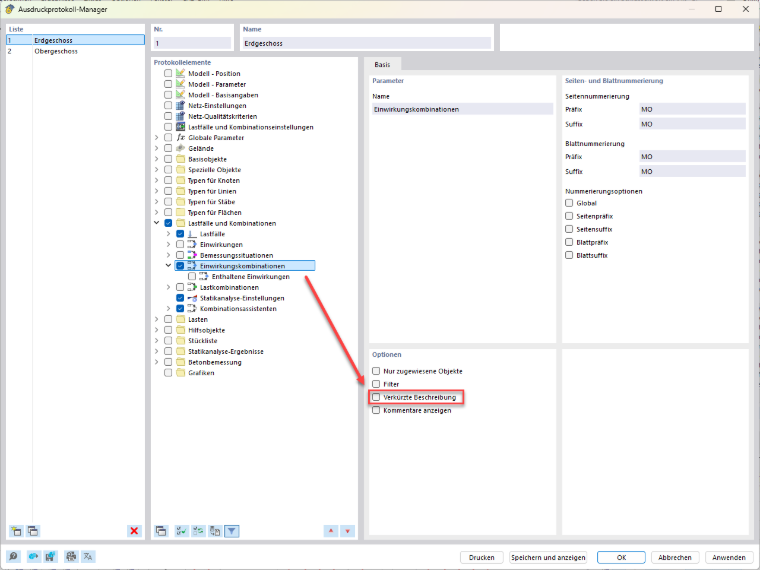
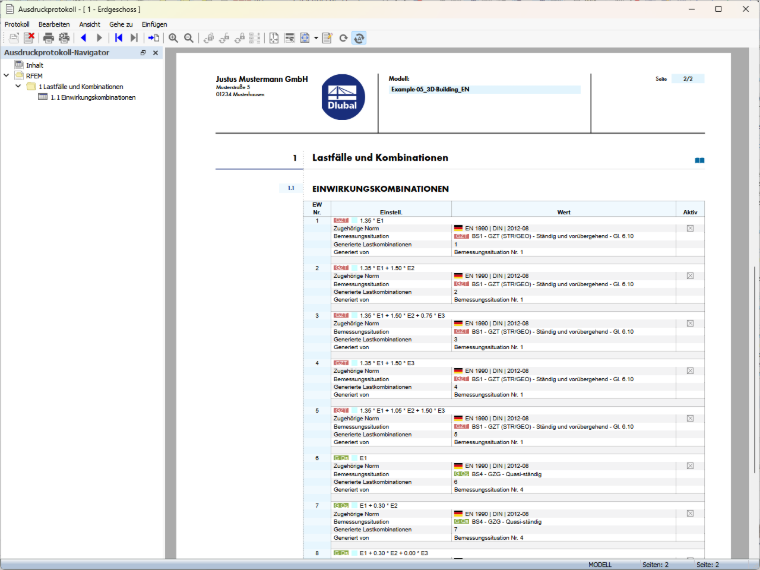
If you deactivate the short description, a more detailed display is provided. This also includes information on whether a load combination is active or inactive.
For a detailed overview of the actions included, you can also enable the corresponding option for the expanded display.
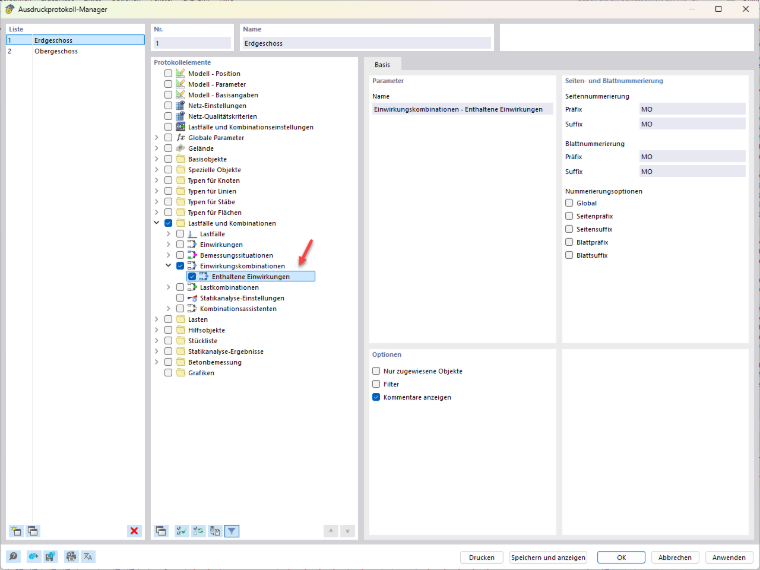
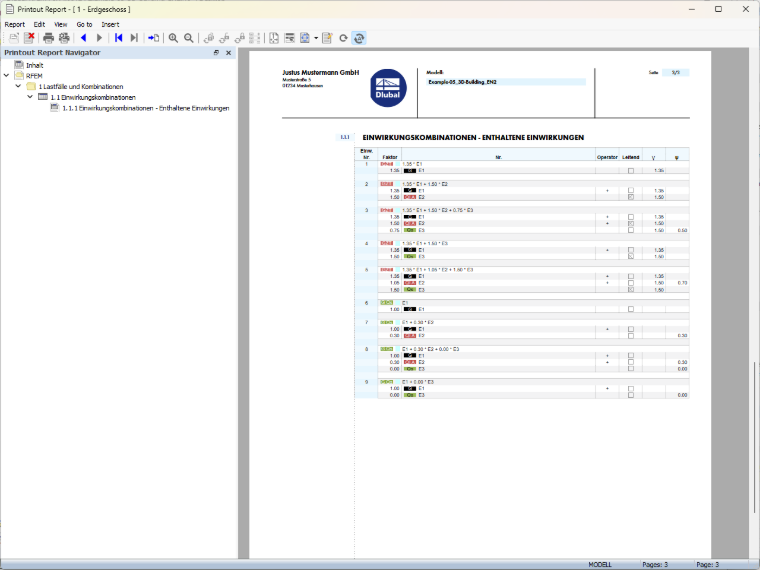
This provides you with transparent and traceable documentation of the action combinations used in the printout report.