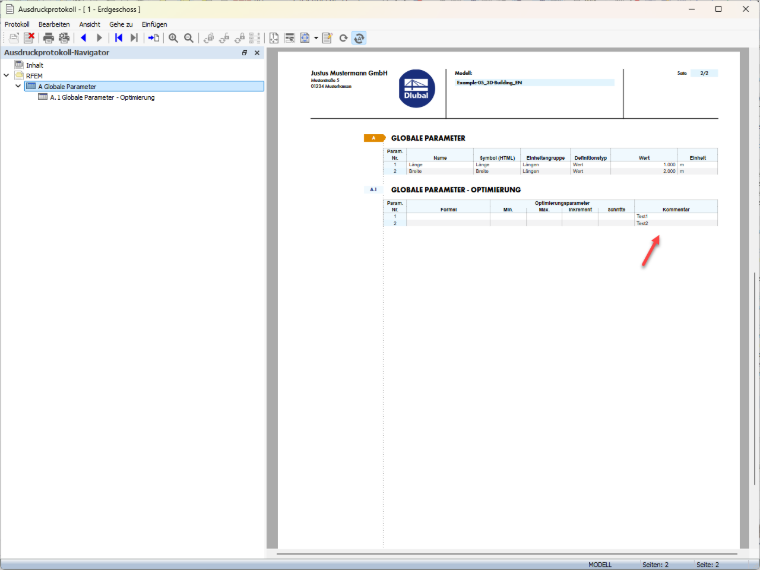
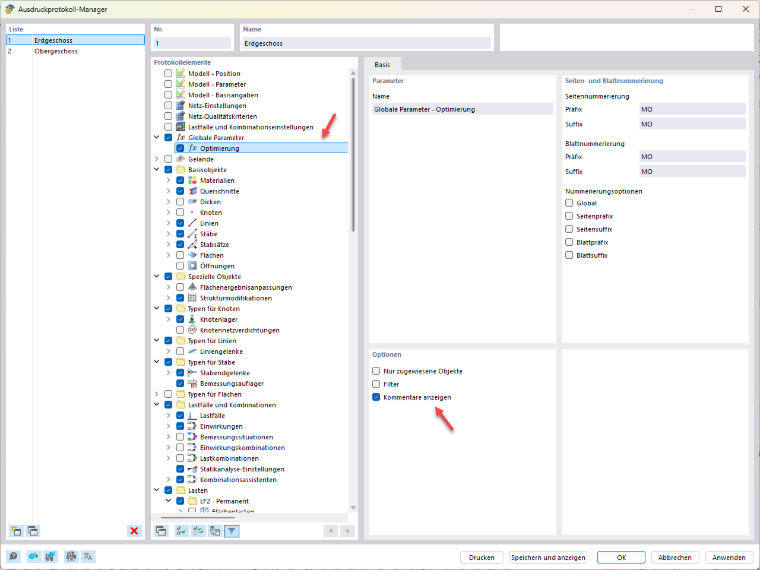
Comments on global parameters can be included in the printout report. To do this, select the “Optimization” and “Show Comments” options in the printout report manager. The comments stored for the global parameters will then be displayed in the printout report.
Comments of Global Parameters in Printout Report
Is it possible to display the comments for global parameters in the printout report?
Answer:
Author
Sandy provides support in Customer Support for technical issues related to the software. She reliably familiarizes herself with new topics and helps develop clearly structured solutions.
;