


Answer:
Click the menu item "Options → Export GUI Settings...".
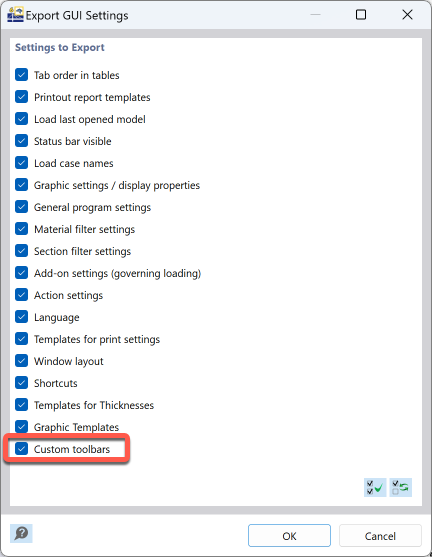
You can select whether you want to only save the settings of the toolbars or also other elements. After clicking the OK button, you will be asked to enter the name of the file.
Now, transfer the file to the other computer. Import the file by selecting the menu item "Options → Import GUI Settings..." and importing the file.