


Answer:
When creating a new model in RFEM, it is not possible to import the templates from any path. It is necessary to create a project.

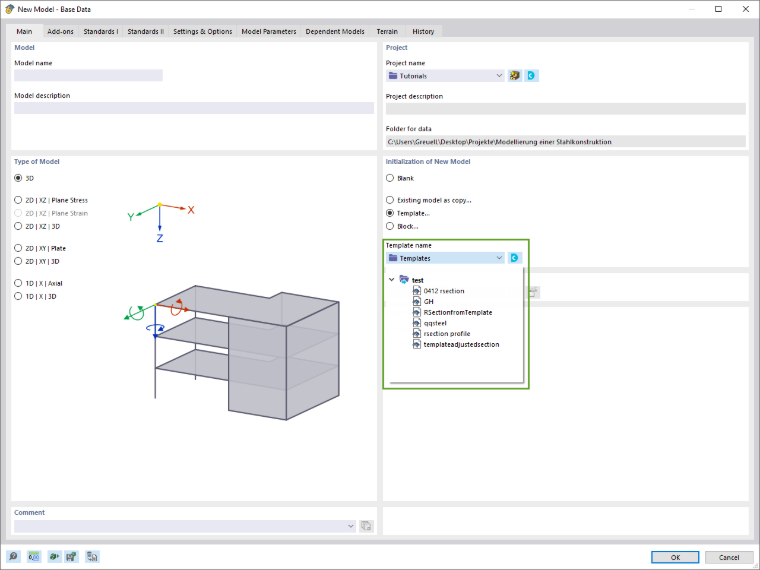
When accessing a template in Revit or Rhino/Grasshopper, an error message often appears if the path of the template file used is not linked to a "Template Project" in the Dlubal Center.
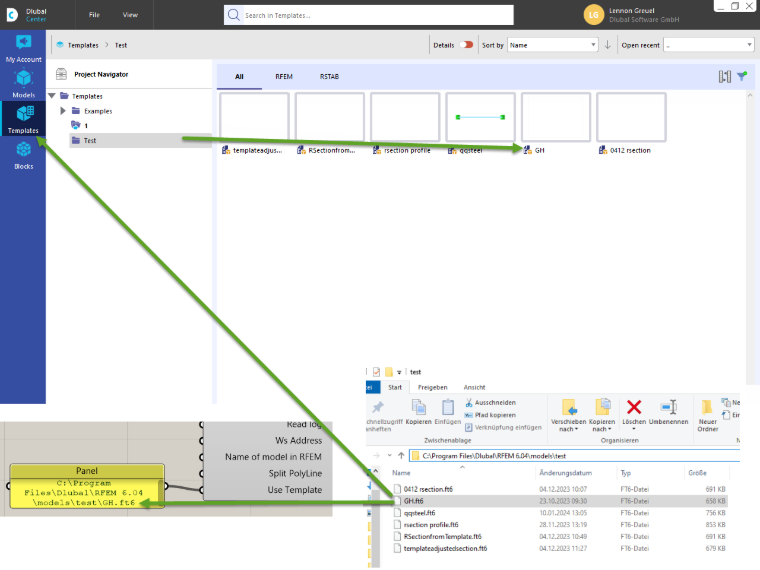
Open the Dlubal Center and check whether there is a "template project" for the folder with your template file.
If not, you can add the path of the template file as a project. In the FAQ video, the Downloads folder has been created as a template project, as it contains the template file.