


Answer:
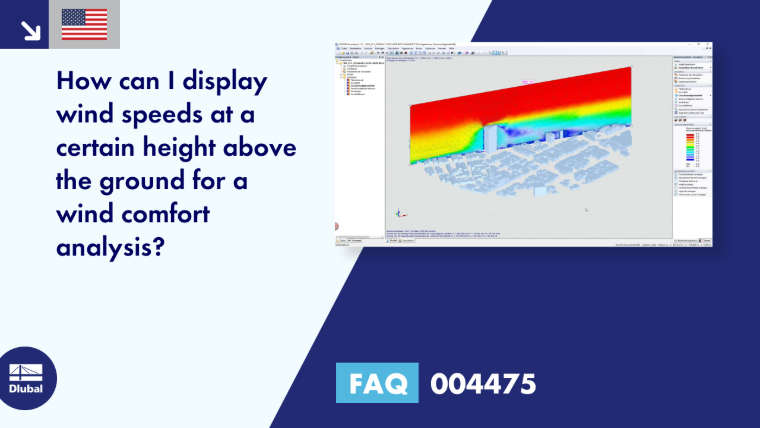
The RWIND Simulation program displays the size of the wind speeds around the model bodies under the Velocity Field result. By displaying this result type, the program automatically switches to the "slicer" display. This display type shows the scalar result, which is spatially available at all positions between the model bodies, only in the area of a plane (slicer).

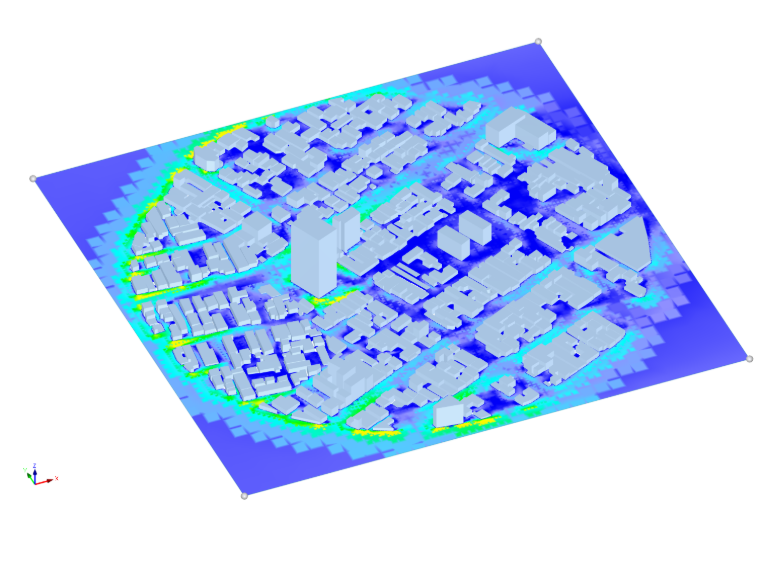
For a wind comfort analysis, the wind velocity result at a certain distance to the traffic area is usually required. To do this, proceed as follows:
- Activate the Velocity Field result.
- Rotate the slicer planes into a plane parallel to the traffic area to be analyzed.
- In the settings, define the desired distance of the slicer plane to the traffic area by entering a height.