Answer:
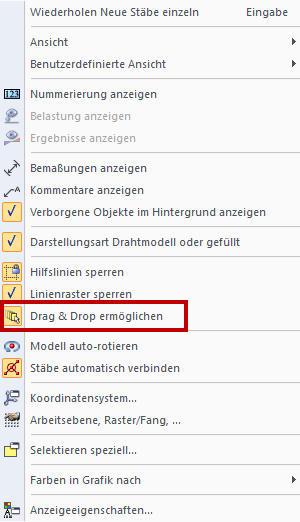
The drag & drop function is very helpful for fast work in RFEM and RSTAB. It is necessary first to activate this option in the shortcut menu (Image 01).
If you click a member or a line near the start or end node in the work window, you can quickly define the new connection point graphically.
However, if you grab a member or a line in the middle third, you can simply move the element to a new position.
If you additionally press the "Ctrl" key, the marked elements are copied.
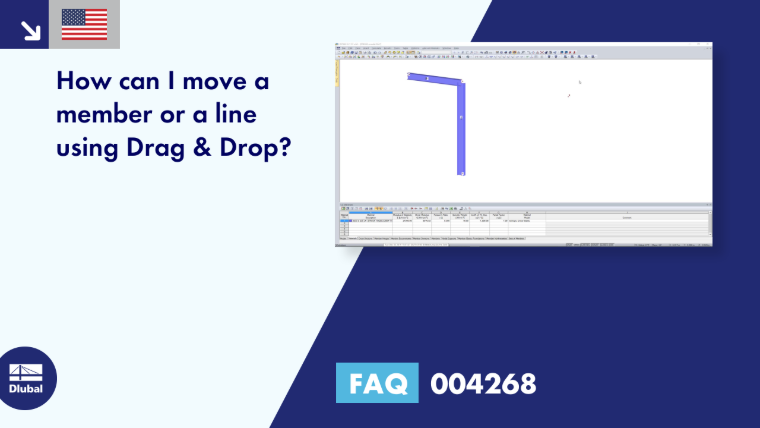
The video shows first how to move the column head of Member 2 from Node 2 to Node 4. Then, it shows how Member 2 is moved to a new position.