0x
003579
2021-06-07

Error Message: Access to DXF File Denied

When opening a DXF file, I get a message saying that access to this file is denied. How can I open the file?


Answer:

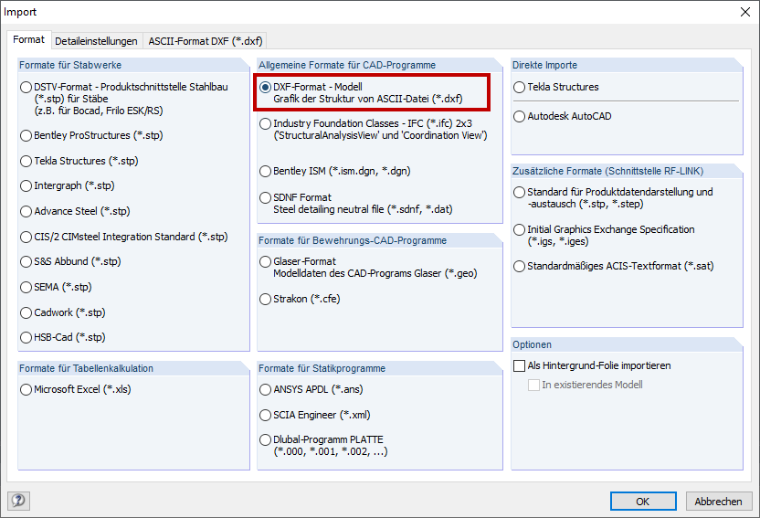
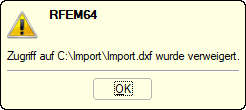
The message displayed in Image 01 appears when trying to open a DXF file using the menu File → Open or the corresponding toolbar button. To import the DXF file, select File → Import from the menu (Image 02). The import of a DXF file is shown in the video.

Author

Sonja works in Product Engineering and also assists with Customer Support. Her focus is on RSECTION as well as steel and aluminum structures, where she applies her expertise.


;