0x
003504
2021-06-24

Increasing Calculated Force Values in Work Window

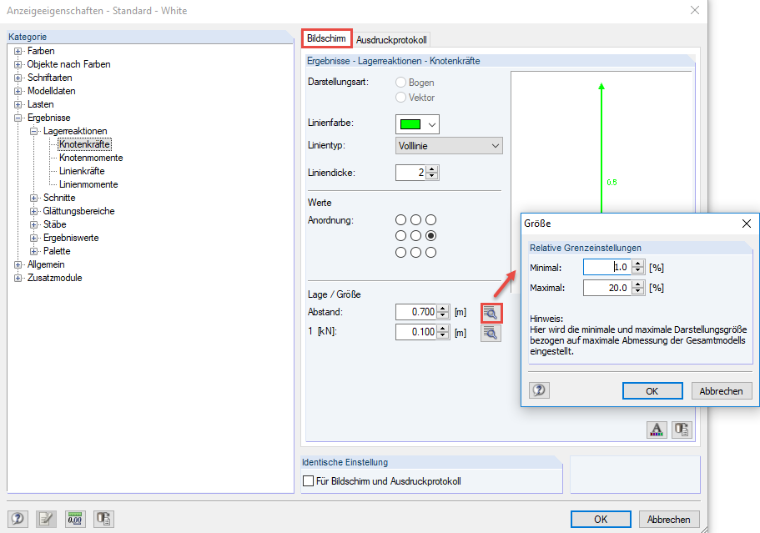
Could you please explain where I increase the calculated forces in the work window? They are so small that I cannot recognize them.


Answer:

For some parameters, additional [Details] buttons are available in the display properties. Open a new dialog box where you can, for example, scale the distance or the size of the object to the dimensions of the entire model.

Author

Sandy provides support in Customer Support for technical issues related to the software. She reliably familiarizes herself with new topics and helps develop clearly structured solutions.

References


;