Answer:
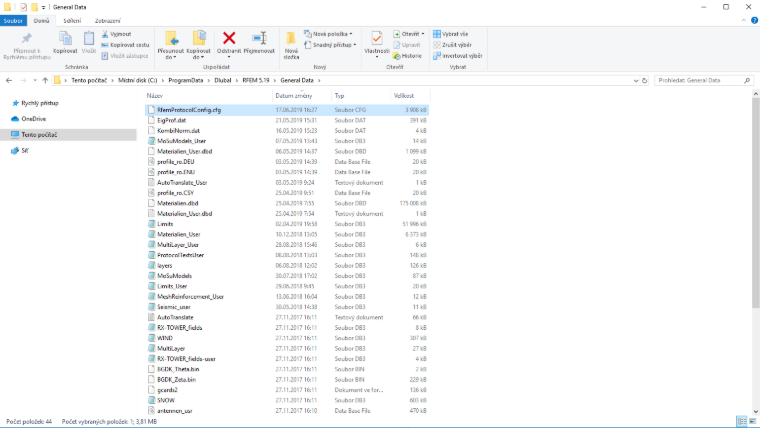
When installing a new version of RFEM, the templates for a printout report should be transferred automatically. The template data are stored in the RfemProtocolConfig.cfg file, which you can find in the folder C:\ProgramData\Dlubal\RFEM 5.xx\General Data\. If you copy the file to the same folder in a newer version, your printout report templates will be available after the restart.