0x
002942
2019-04-16

Transfer of Diagrams for Member Hinges to Other Computers

I have defined diagrams for member releases. How can I transfer this information to other computers?


Answer:

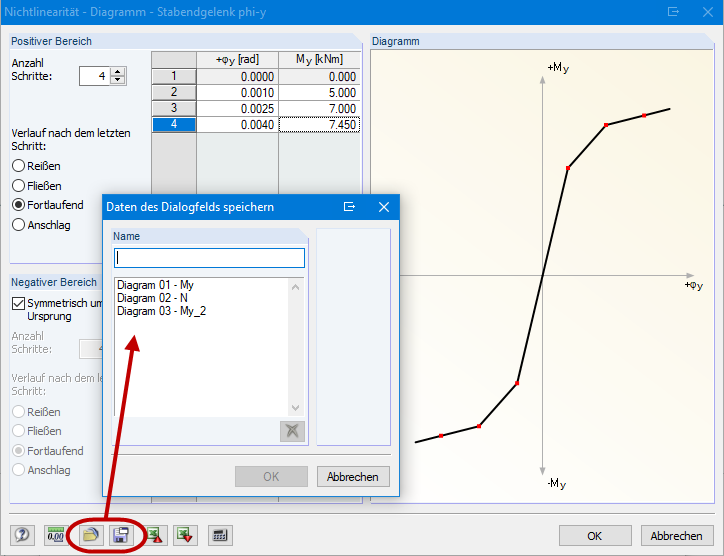
The diagrams are stored in a configuration file. In the case of a standard installation, this file is located in the file path C:\ProgramData\Dlubal\Global\General Data\ and has the file name NonLinWorkDiagMembRelease.cfg. Before you copy the configuration file, it is necessary to save the RFEM/RSTAB file and close RFEM/RSTAB.

Author

Gerhard works in product engineering in the field of timber structures and also assists with customer support. He draws on his development experience to create practical and actionable solutions.


;