Answer:
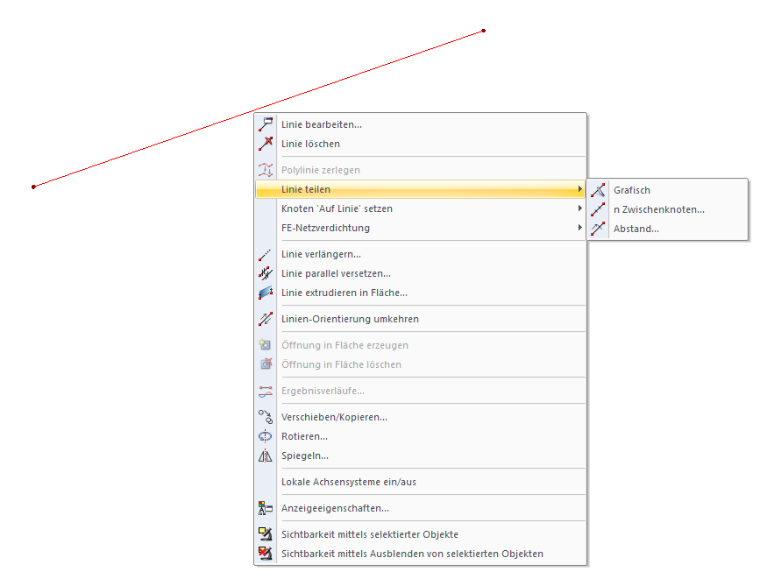
You can divide lines and members by right-clicking the object and then selecting "Divide Line" or "Divide Member" in the shortcut menu.
The shortcut menu offers three different division options; see the image.
Sign up for the Dlubal Extranet to get most of the software and have exclusive access to your personal data.
Sign up for the Dlubal Extranet to get most of the software and have exclusive access to your personal data.
Sign up for the Dlubal Extranet to get most of the software and have exclusive access to your personal data.
You can divide lines and members by right-clicking the object and then selecting "Divide Line" or "Divide Member" in the shortcut menu.
The shortcut menu offers three different division options; see the image.
Sandy provides support in Customer Support for technical issues related to the software. She reliably familiarizes herself with new topics and helps develop clearly structured solutions.