Answer:
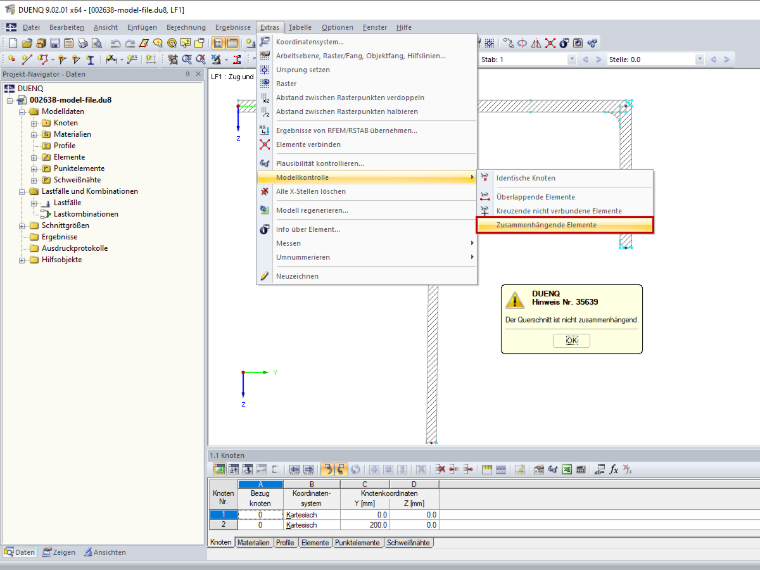
The model check for interconnecting elements can be used to check whether the cross-section is interconnected.
You can access this function using the menu Tools → Model Check → Interconnecting Elements (Image 01).
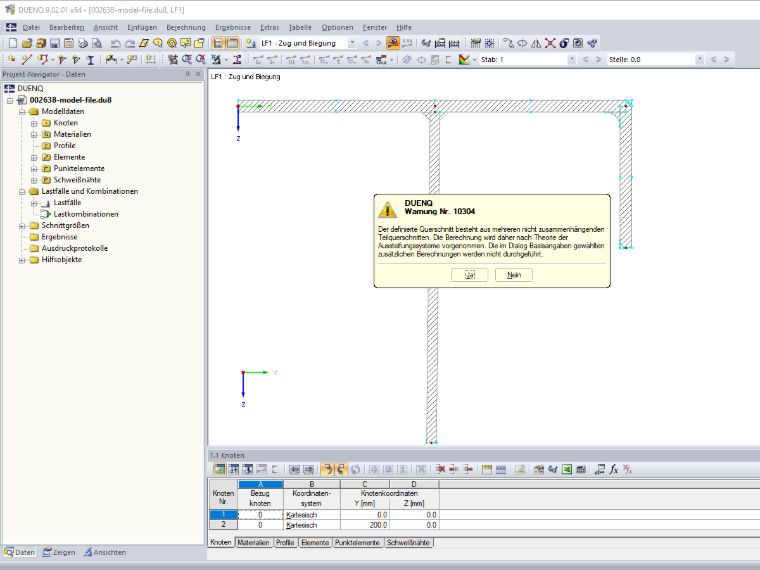
Furthermore, a message appears before the calculation if the cross-section is not interconnected (Image 02).