


Answer:
Yes, it is. To do this, right-click the image and select "Edit..."
This will display the main program. There you can, for example, change views or hide and display model data. The changes are transferred directly to the printout report.
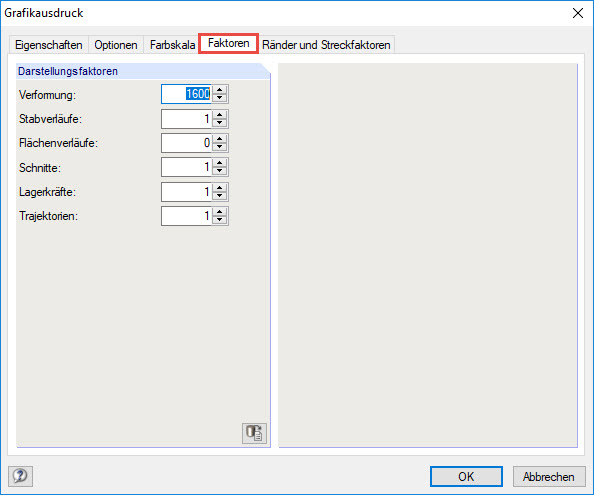
Provided you would like to adjust, for example, the size of the element diagrams or deformations, select "Properties..." and the "Factors" tab in the subsequent dialog box. This dialog box includes further options for customizing the graphic.
In Display Properties, you can set the size of load images or change the fonts. However, these settings apply globally to all graphics.