


 Product Feature
Free Webinar
|
-
Introduction
|
|
-
Introduction to drawing sheets
|
|
-
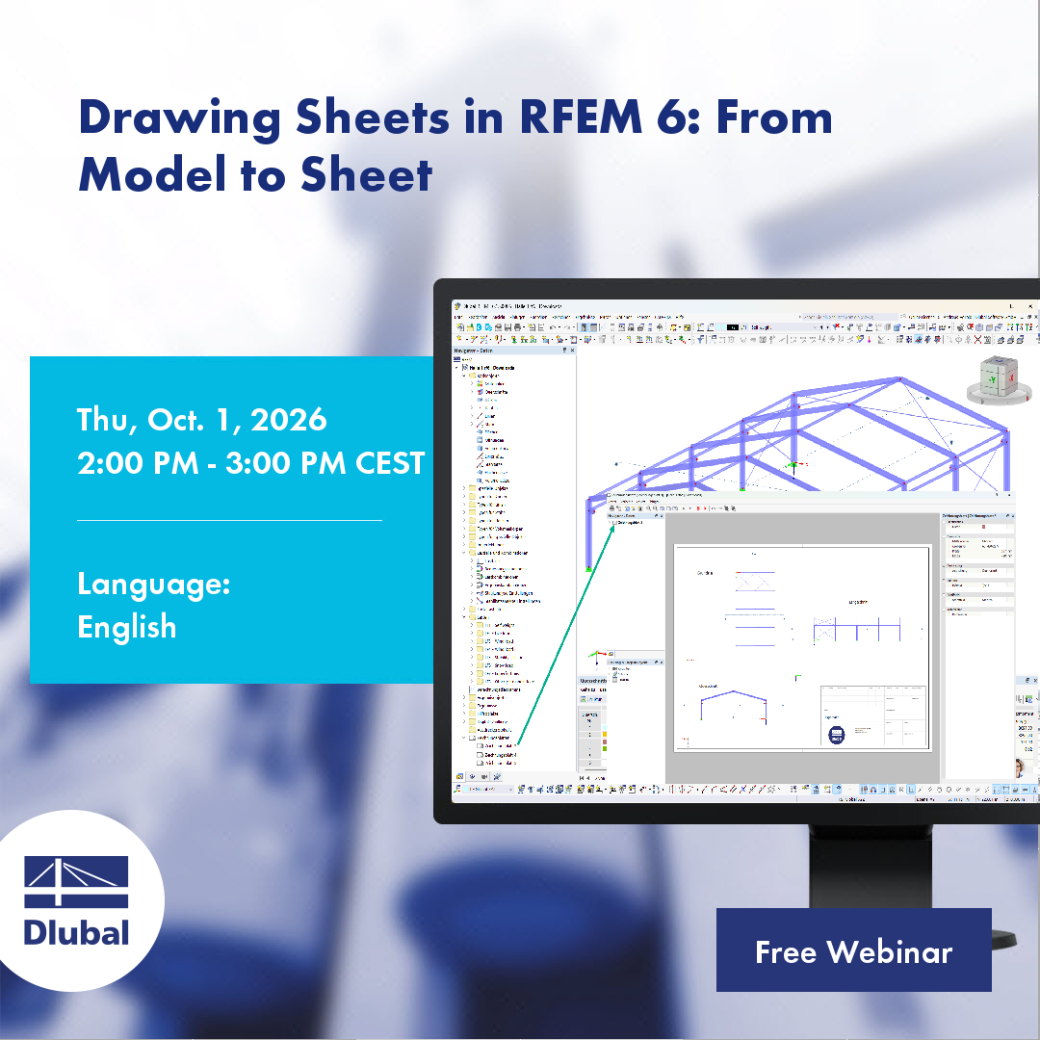
Creating views and sections in RFEM
|
|
-
Creating a title block with text (including variables)
|
|
-
Placing views and sections in drawing sheets
|
|
-
Adding text, images, and labels
|
Notes
During the presentation, you can ask individual questions.
A computer with internet access is required as well as a loudspeaker, headphones, headset or any other listening device. Alternatively, you can dial in using a phone line for audio connection.
Take advantage of this free webinar and sign up today! The number of participants is limited. After your registration is complete, you will receive a confirmation email, including the information on how to join the webinar.
After the event, you can find the models presented in the webinar below, under Downloads or Models to Download. This allows you to independently follow the webinar step by step.
Furthermore, each participant will receive a certificate with the name specified during the registration.
Dipl.-Ing. (FH) Andreas Hörold
Marketing & Public Relations
Andreas creates technical content for the Dlubal website, hosts webinars in German and English, and develops newsletters and other marketing materials.
Dipl.-Ing. (FH) Robert Milrath
Solution Engineer
Robert works as a Solution Engineer in Customer Support. He uses his experience to resolve technical issues in a practical and targeted manner.