2026-08-20
064420
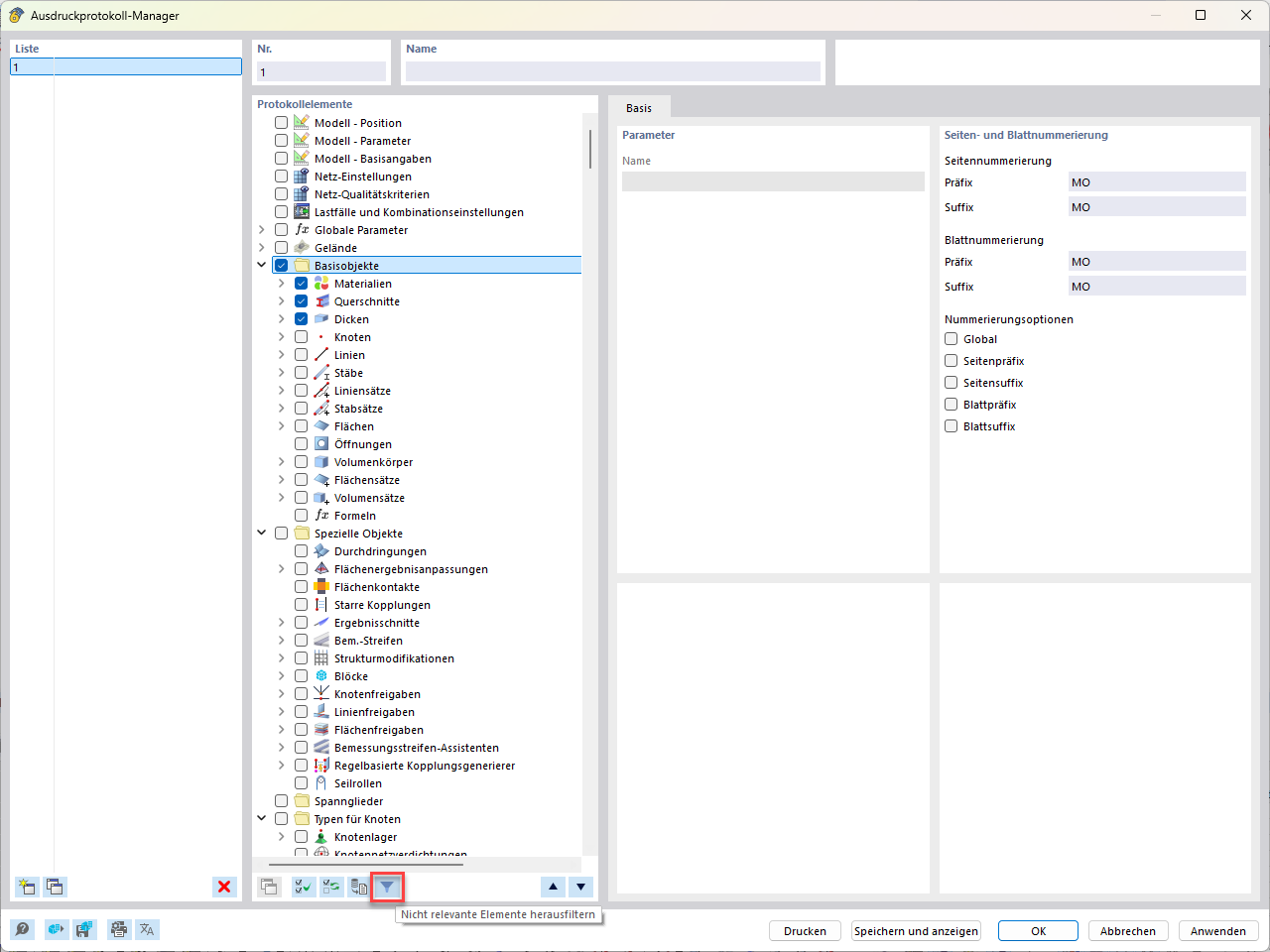
Printout Report Manager with Selected Items and Filter Options
View of the printout report manager for configuring print outputs with selected report elements and the filter for irrelevant elements disabled.
Display of the printout report manager. In the Report Elements section, under the Basic Objects category, the subitems Materials and Cross-Sections are selected. The right-hand side shows the settings for page and sheet numbering, including prefixes and suffixes, as well as various numbering options. The button for filtering out irrelevant elements is disabled at the bottom of the screen.