2026-07-23
063992
Editing Cover Image in Main Program
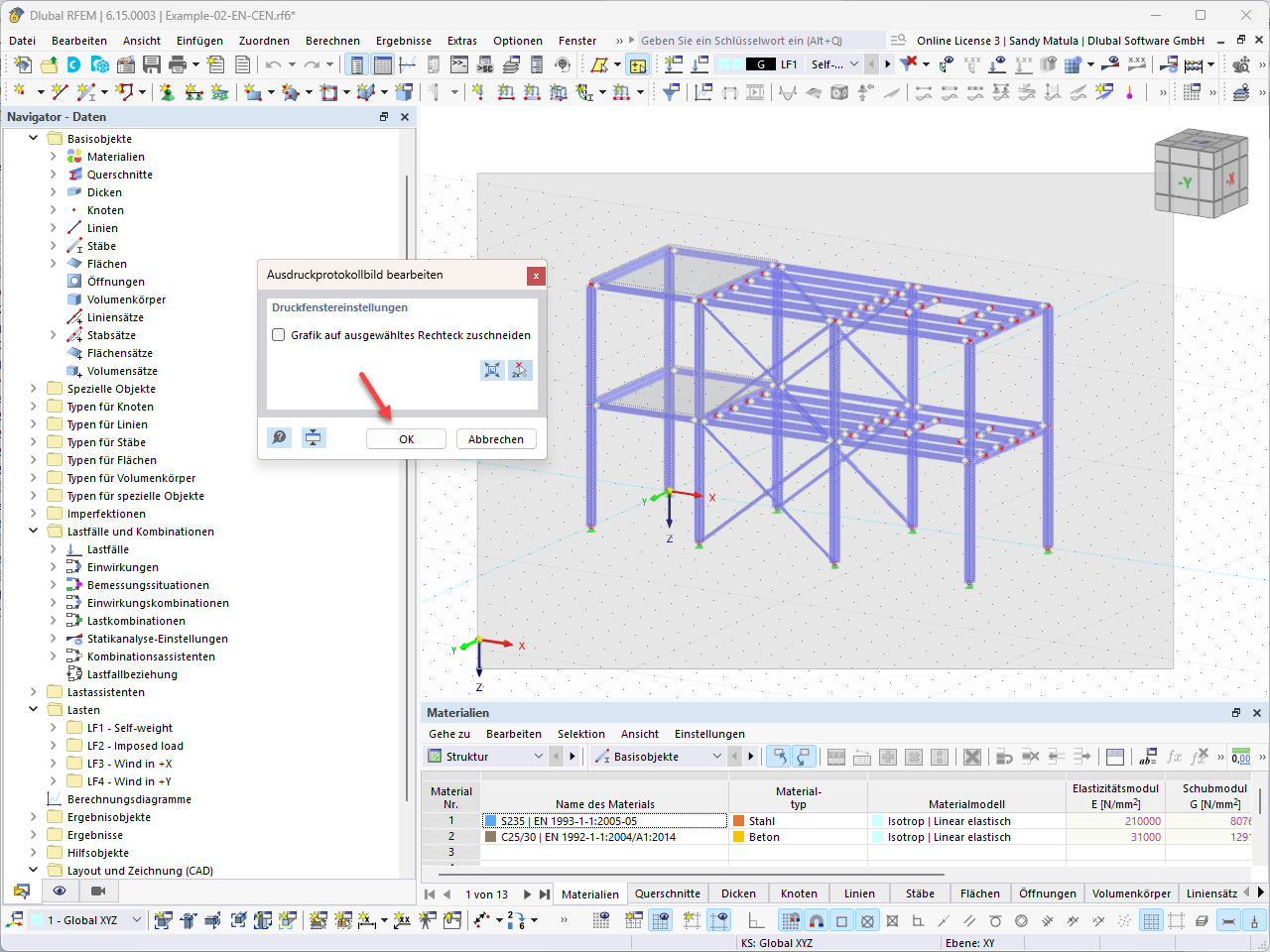
A work window for editing the cover page image, with the option to return to the printout report via a dialog box.
The image shows the main program's work window, where you can perform editing on the cover page image. Clicking “Confirm” in the dialog box takes you back to the printout report.