2026-06-17
063211
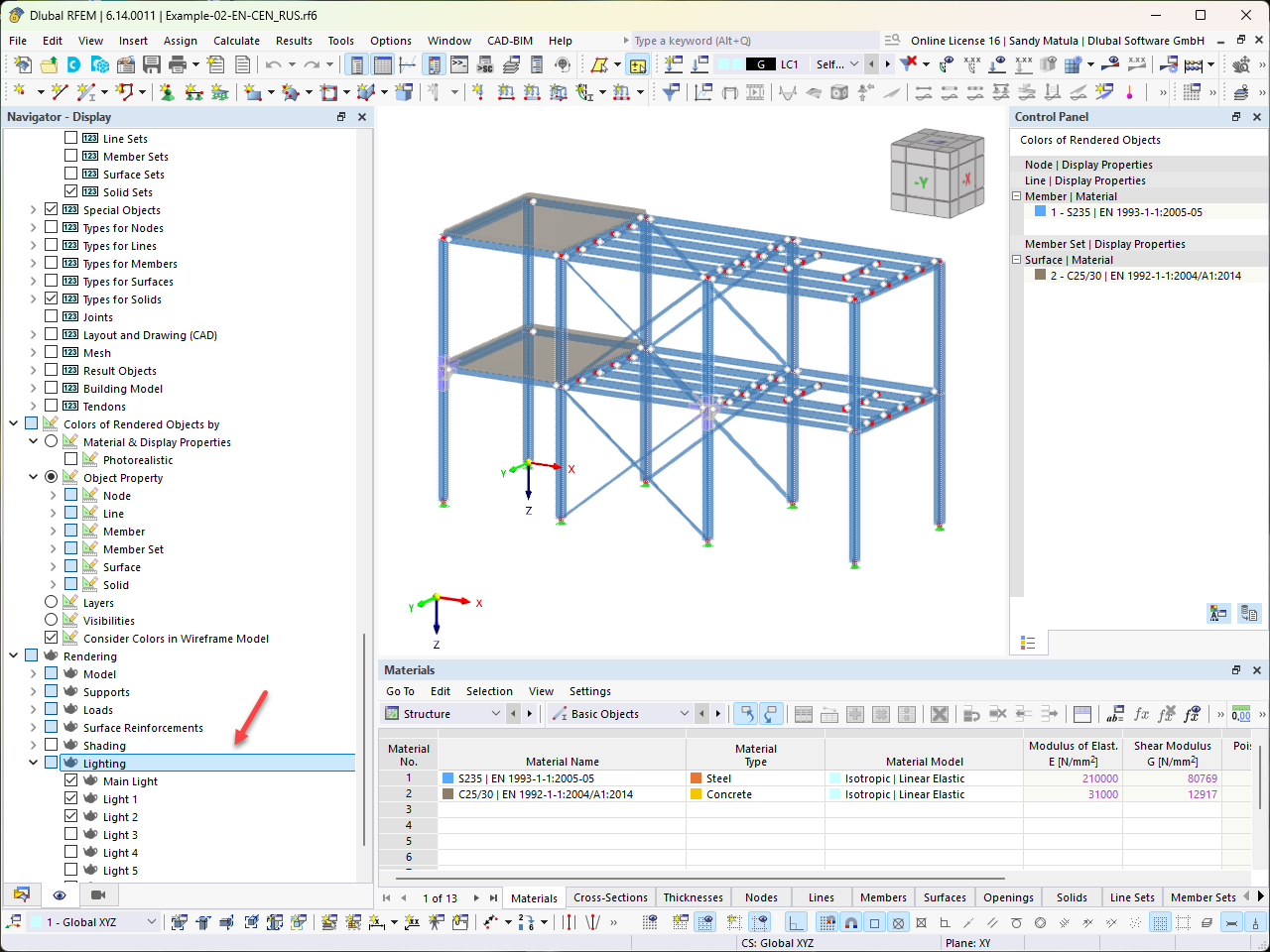
RFEM Navigator with Active Lighting Display
Navigation view using RFEM with the main light and Lights 1 and 2 activated.
In the RFEM interface, the lighting display is displayed in the Navigator. On the right side, the main light and Lights 1 and 2 are activated. A detailed view is available that highlights the lighting settings within the software.