2026-06-04
063059
Graphic Printout: Results and Support Reactions
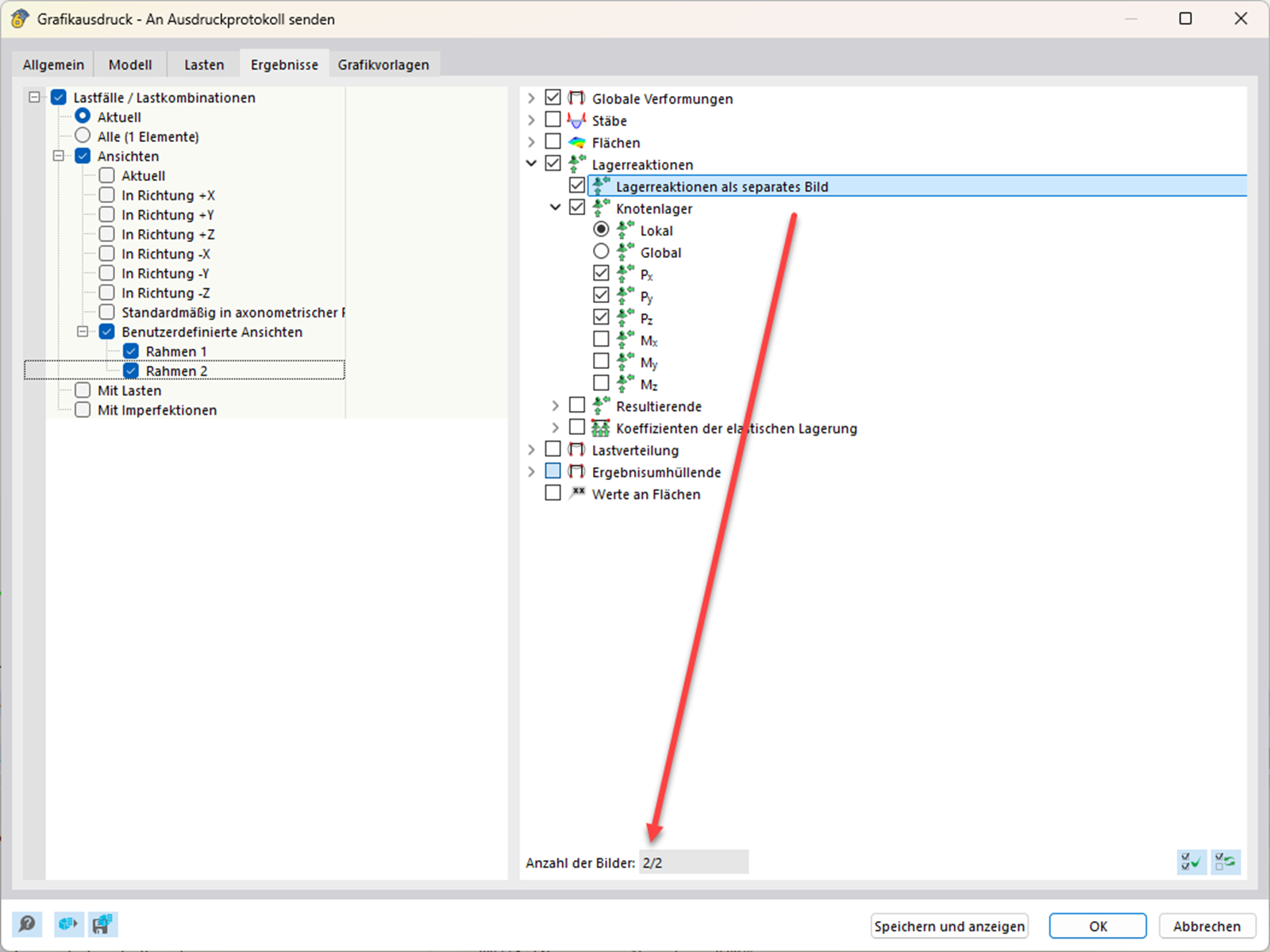
The “Graphic Printout” dialog box shows support reactions and user-defined views.
The “Graphic Printout” dialog box shows user-defined views on the left side of the “Results” tab and the checked support reactions Px, Py, and Pz on the right side. The option to print support reactions as a separate image is activated. The indicator at the bottom center confirms that two images will be printed.