2026-06-04
063067
Displaying Member Loads in Dialog Box of Display Properties
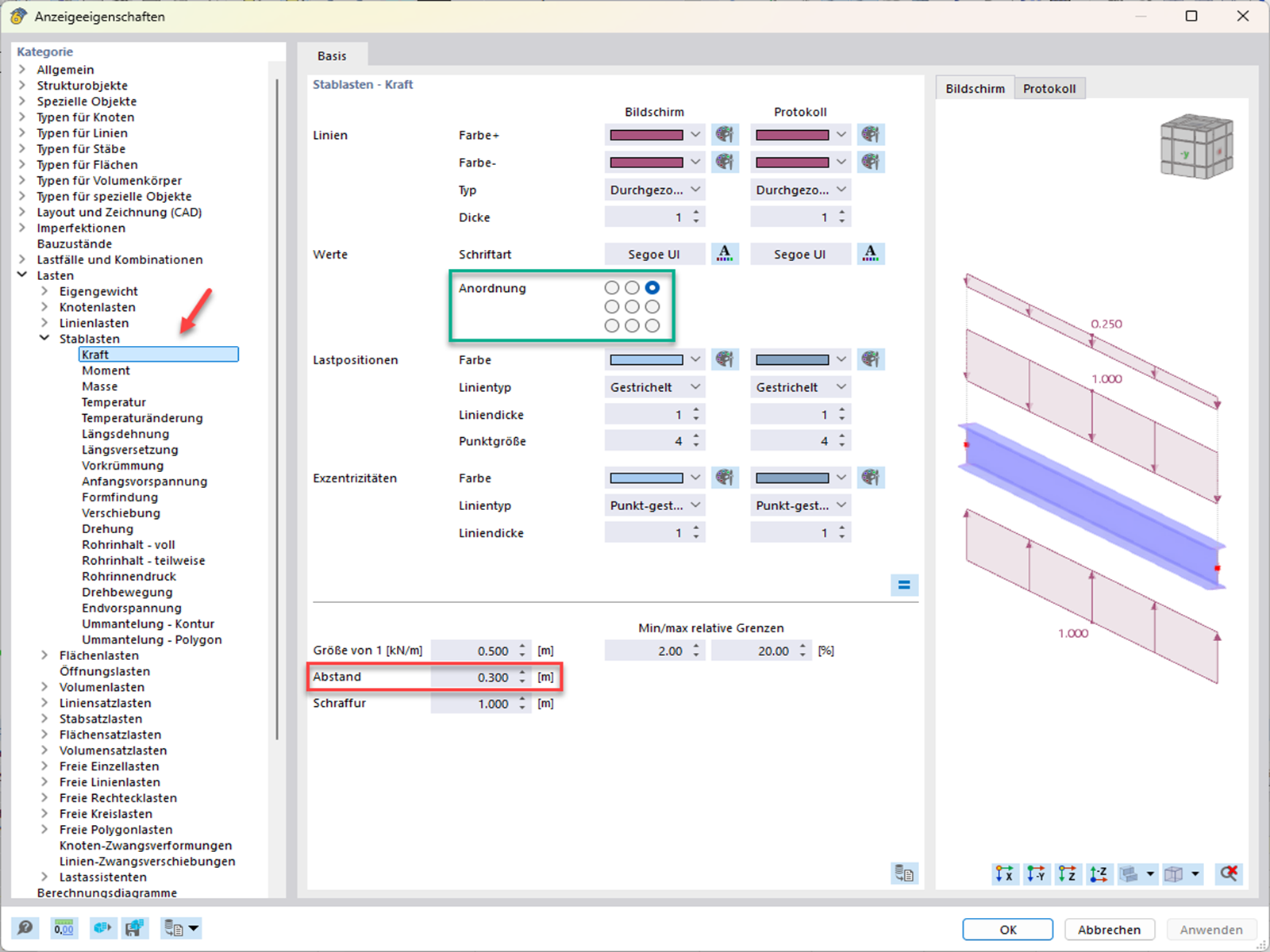
The dialog box shows options for customizing the display properties of the member loads.
The Display Properties dialog box shows the activated member loads on the right-hand side. On the left-hand side is a section for setting spacing and arranging the load values. The options displayed make it easier to adapt the loads to specific project requirements.